| A TECHTORIAL |
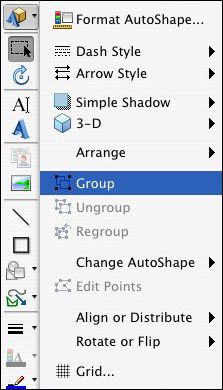
GROUP THE DOTSFirst, you're going to "group" the dots. This is very important! We want Word to see the dots as one big picture, not lots of little dots. If, as you edit, you accidentally move grouped dots, they'll move en masse and be easy to fix. If you move lots of little dots�not so easy to fix! So�
Next: Labeling dots.
|