|
STEP THREE: ADDING IMAGES TO YOUR NOTES
To add photographs, drawings, or other images to your notes:
- Minimize Word and maximize IE.
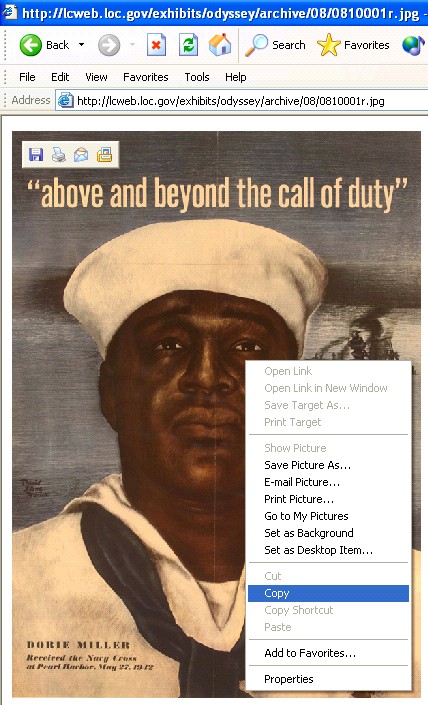
- In the IE browser window, click the poster "Above and Beyond the Call of Duty" to the left of the paragraph on "A Naval Hero." You should see an enlarged version of the poster.
- Right click the poster, and then left click Copy.
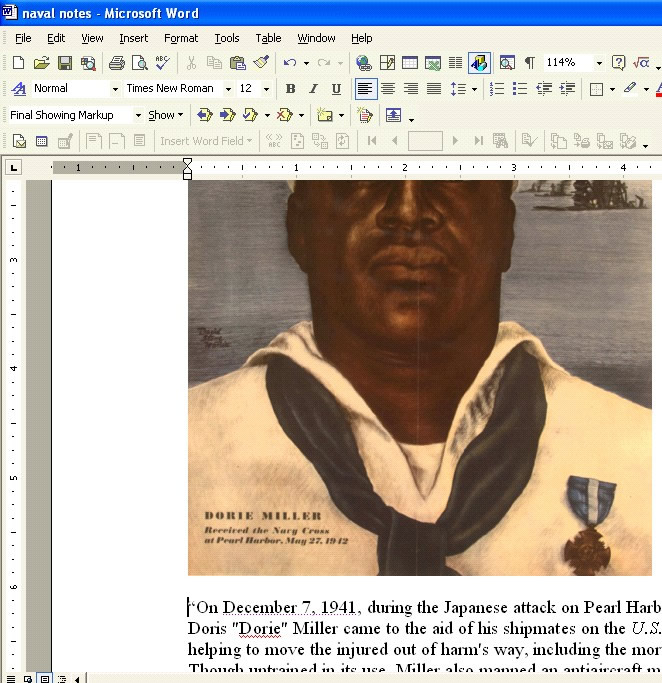
- Maximize your Word document, click just above the saved text, and then click Edit>Paste in the Standard toolbar. The poster now is saved with your notes. (Hint: If you want to shrink, center, or otherwise format the poster, check out the techtorial Holiday Worksheets with Word for some tips!)
- Cite the source of the image:
- Click Save.
Next: More notes!
|

