|
STEP FOUR: PREPARING FOR MORE NOTE-TAKING
Now, let's add a line to separate the notes you copied today from notes you might want to add later.
- Scroll to the end of your Word document, just beneath the citation date.
- Find the Drawing toolbar. (If you don't see the Drawing toolbar, click View>Toolbars>Drawing in the menu bar.)
- Click the line icon next to AutoShapes on the Drawing toolbar.

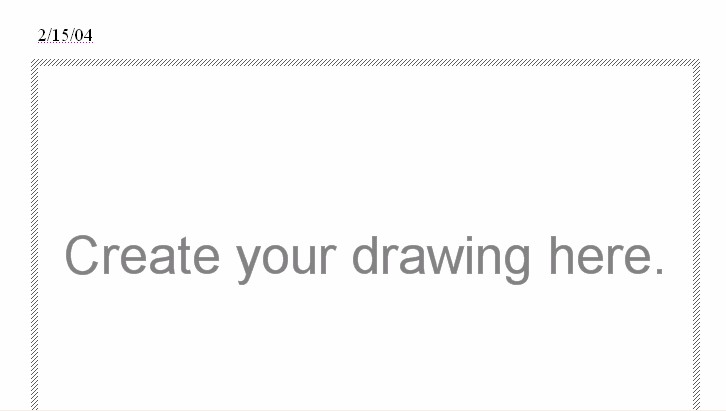
If a large box with the title "Create Your Drawing Here"
appears when you click the line icon, hit Backspace to delete it.
- To create a line, click the left side of the Word document just below the final citation date, hold down the mouse button, and drag the mouse to the right side of the page.

- Click beneath the line to add more information.
- Save your work!
Next: Learn more!
|

