| A TECHTORIAL |
|
STEP THREE CONTINUED: RERECORD
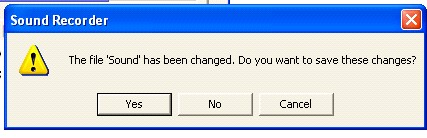
Not satisfied with you first effort? Want to record your narration again? Go to File>New in the Sound Recorder. Click "No" when asked whether you want to save changes. Record your narration again.
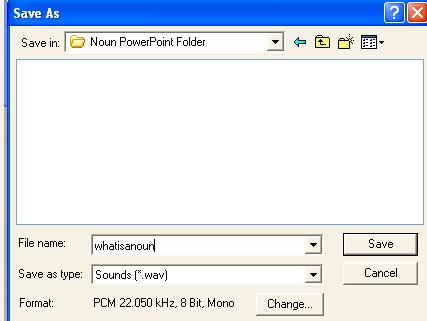
Note: If you simply click the red circle again, without first clicking File>New, Sound Recorder will add the new recording to the end of the original recording instead of replacing it! When you are satisfied with your recording, click File>Save in the Sound Recorder. Be sure to save the sound file in the same folder in which you saved your PowerPoint presentation. (Creating a separate folder for your PowerPoint presentation and all its associated sound and video files works best.)
Next: The show must go on!
|