| A TECHTORIAL |
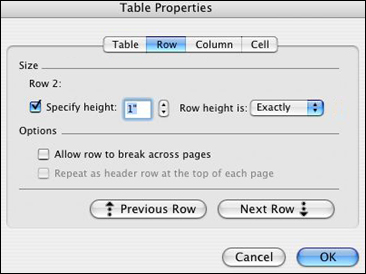
CREATE THE TILES, CONTINUED Now, highlight the entire table and click Table > Table Properties.
Now, each cell is one inch wide and one inch tall. Regulation tiles typically are one inch wide and two inches tall. Remember, though, that each of our tiles is actually two cells, one on top of the other -- so our tiles are regulation size as well! Next: Adding concept images.
|