| A TECHTORIAL |
QUESTION NINEA new student has transferred into my class. I want to add her to my grade book alphabetically, but I need a new row. How do I do that?
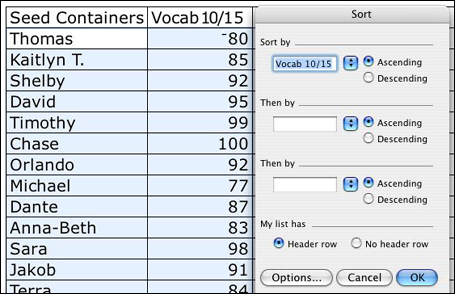
Let's say you want to insert Amanda's name above Dante's in the graph below.
But what of Dante now moves to another state and you want to delete him from your grade book. Click Dante's name, then click Edit>Delete. A small window/pane will open, asking if you want to delete a row/column or just cells. In this case, you want to delete Dante's whole row, so click Entire Row > Ok. Next: Delete, cut, or clear contents.
|