|
STEP THREE: ADD IMAGES
To add images to your trading card:
- Double-click inside the rectangle on the left.
- Click Insert>Picture>Clip Art in the Word menu bar. The Insert Clip Art window should appear.
- Type "Martin Luther King" in the search box, and click Search (or hit Enter).
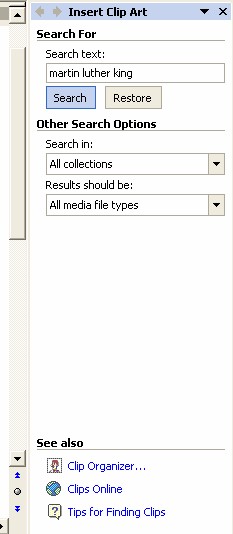
- Double-click to insert the image.
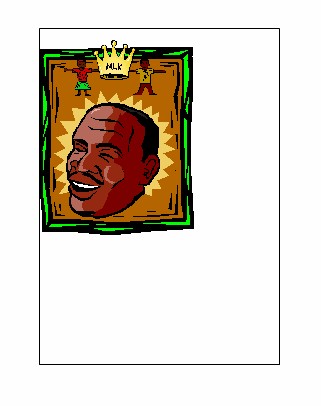
Note: If your clip art collection does not contain that image, or if you want to use another image, see the Holiday Worksheets Using Word techtorial for help.
- Double-click the clip art image in your document. Choose the Layout tab and click Tight.
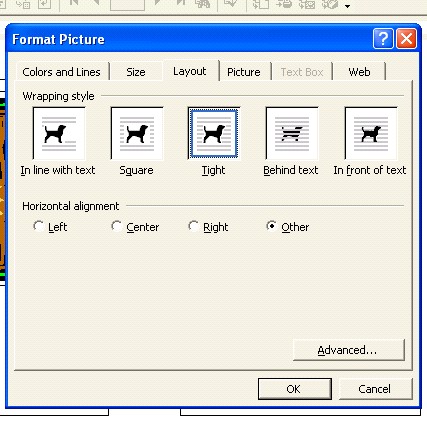
- If the image is too big or too small, select the Size tab and increase or decrease the size of the image.
- Click OK.
- Click the image, hold down the mouse button, and drag the image into the left rectangle. (Leave room above the image for a title.)
- Save your work.
Next: Name that card!
|

