|
STEP TWO: DUPLICATE IT
To make another identical rectangle:
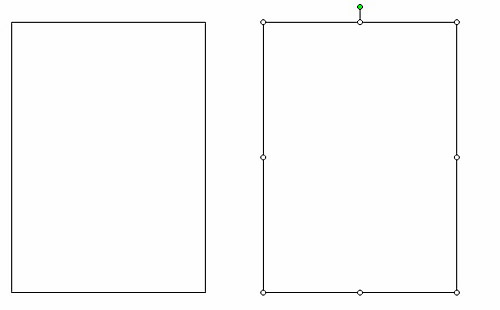
- Click any side of the rectangle, so small squares are visible along all the edges.
- Click Edit>Copy, and then click Edit>Paste. A second rectangle will appear on top of the first rectangle.
- Click the second rectangle, hold down the mouse button, and drag that rectangle to the right of the first one.
- Double-click inside the rectangle on the left.
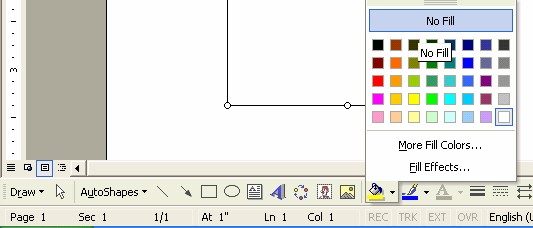
- Find the paint can icon on the Drawing toolbar, click the arrow to the right of the paint can, and then click No Fill.
- Double-click inside the rectangle on the right and repeat the previous step.
- Save your work.
Next: Picture that!
|

