| A TECHTORIAL |
|
DON’T EMPTY THE TRASH!
So, you've followed all three steps and your file is still missing? You still have two measures to try:
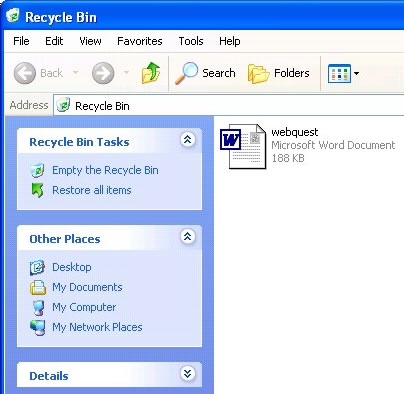
Might you have deleted the file? To find out, double-click the Recycle Bin on the computer desktop to open it. Scroll through the list of deleted files. If you find the missing file, click and drag it out of the trash and onto your desktop. Then save the file to the appropriate folder. Or...to restore the file to its original location, click to highlight the file name, and then click File in the menu bar at the top of the window. Click Restore in the drop down menu that appears.
Next: A last ditch effort!
|