| A TECHTORIAL |
|
LINKING YOUR HOT LIST
Now, let's link the hotlist to the Web sites:
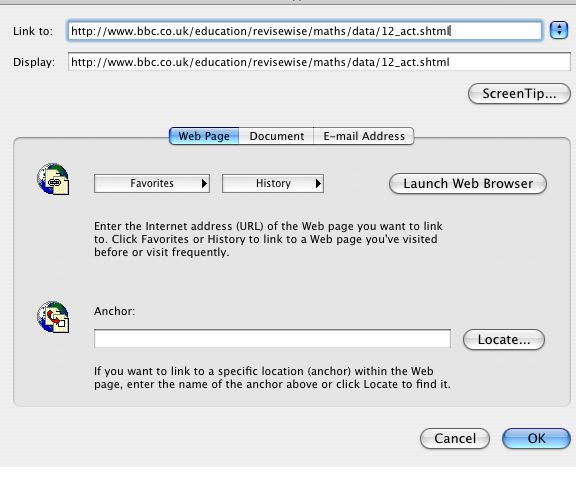
Repeat the four steps above for each URL on the list, and then save the document on each student's computer as ModeMedianMeanWebSearch.doc. To save the file to a school network, instead of to individual students' computers, choose "Template" instead of "Word document" in the Save window. That will allow many students to open the file at the same time. Saving as a template also is preferable when more than one student will use the document at a single computer and you want to be sure the original file won't be damaged or erased.
Next: Learn more
|

