THE GREAT REVEAL
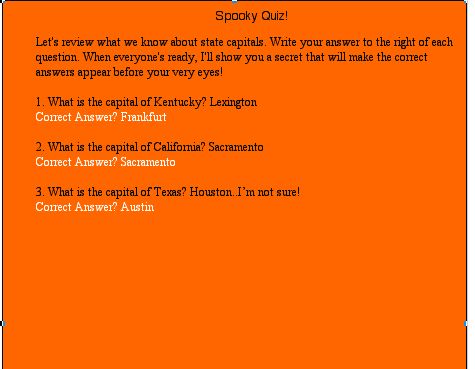
Save a copy of the Spooky Quiz document to each student computer in your classroom or lab. Have each student open the document and type his or her answers to the right of each question. When students have completed the quiz, ask them to:
- Click the big black arrow near the top of the program's Tools bar.
- Click the line that appears to be the border around the quiz (but that actually is the edge of the white rectangle!). Note: Students will know they have clicked the correct line when small black squares appear at each corner and at the midpoints of each line.
- Click the color choices near the bottom of the Tools bar, and then choose
a Halloween color, such as orange.
Ta-da! Magically, the ghostly answers now have appeared!
 |

