|
WRITE THE STORY
First, you'll create a slide show so students can read the story. Begin by typing the title of the story -- one word at a time. (Each word must have its own text box.)
- Open PowerPoint.
- Click the title box of the first slide -- where it says "Click to Add Title" -- and type the first word of the story's title. (The title of the demo story is "It's Time for Summer!")
- Click anywhere on the border of the title box, hold down the CTRL key, and hit Do duplicate the title box. Hit D as many times as necessary to create as many boxes as there are words in the story's title.
- Click and drag the title boxes apart, so no boxes overlap.
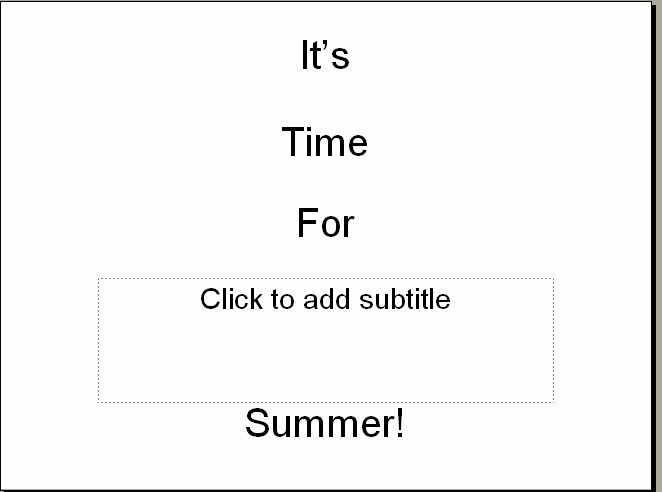
- Delete the first word of the title from all but one of the boxes. Type another word from the title into each box. Your slide should now look something like this:
- Save the slide show in the new folder you created on your Desktop.
Next: Say the story!
|

