| A TECHTORIAL |
|
TECH TRICK #3: TEACHER CREATURE
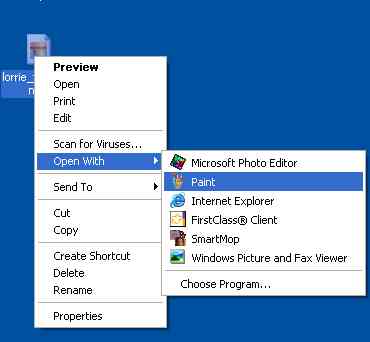
Now that you've tricked your students, why not give them a chance to poke a little fun at you too -- by making you look like the monster you sometimes feel like. First, ask a colleague to use a digital camera to take a picture of you, and save the picture to your Desktop.
Then, have each student
Print the monster pictures and display them in the classroom for April Fool's Day!
Prank Fix
Educational Use Next: More online fun.
|