| A TECHTORIAL |
|
YOU FOUND IT! NOW WHAT?
Hopefully, you've found your lost file. (If not, before you give up hope, find a peer mentor or tech staff member to help you look.) If you have found that errant file, however...
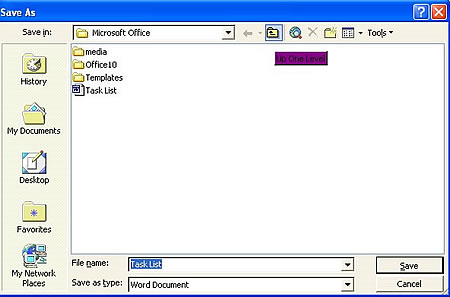
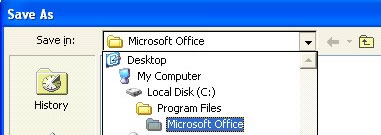
Will you remember that location the next time you want to open the file, however? Probably not! So, be sure to resave your found file in a folder that you'll be able to find easily next time. Finally, to avoid future time-consuming file searches, be sure that all your folders and files are named clearly and appropriately and saved in easily accessible locations! Next: Learn more!
|