| A TECHTORIAL |
|
STILL SEARCHING
Didn't find what you wanted in your first search? Click Modify and change your search term -- to Christmas, for example. Or, click Clips Online to go to the Microsoft Office Clip Art and Media page.
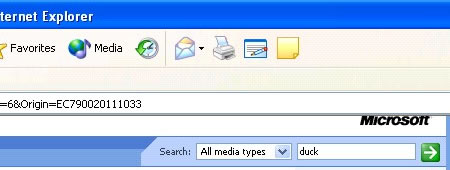
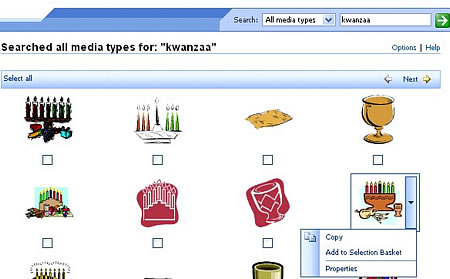
Click the drop down menu next to Search, choose Clip art, and type your search term. Click the green arrow to see the results. Click Next to browse all the results. To insert an image into your document, click the arrow next to that image, and then clickCopy. You also might have to click Accept and "Continue the first time you use Microsoft's Online Clip Art. Next: Inserting photographs.
|