| A TECHTORIAL |
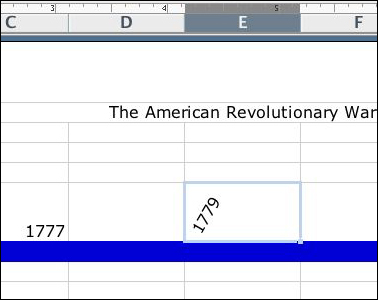
ORIENTATIONYou can add interest and/or readability to text by using the orientation tool to angle your text! For example:
In this instance, putting text on a diagonal is not particularly helpful. But imagine if you were putting your grades in Excel. Putting the names of tests or students at an angle would save space but still be more legible than trying to read them vertically. Next: Printing the timeline.
|