|
Finally, let's look at a vodcast (podcast with video):
- Click the words "Music Store" on the left of your iTunes window. You still should be on the China podcasts
page. (Note: If you cannot, for some reason, click the arrow, just click the HOME icon, click Podcasts, and
type "Julene Reed" in the search blank on the Podcasts page. Then click the arrow next to Ancient China.
- Scroll all the way to the bottom of the podcasts list. The last podcast in this China listing is "Ancient
China-Project Introduction." The small TV symbol next to the title tells us this is a vodcast.

- Scroll to the far right and click the GET button (you are already subscribed to the general podcasts on
China). Then, when the vodcast appears in your music library, double-click the title and view the video on
the bottom left.
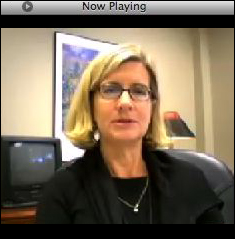
- You might notice that the video is choppy and sometime out of sync with the audio. That was created on an
inexpensive iSight camera and software called
Conference Recorder. Both products are very inexpensive and are perhaps the easiest way for educators
to create vodcasts.
selected by the students to accompany their narration.
Next: Learn more!
|

