| A TECHTORIAL |
|
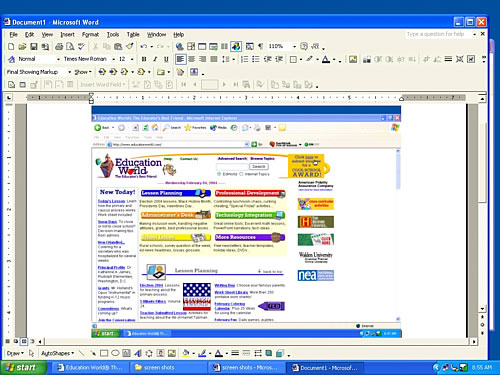
STEP TWO: INSERT A SCREEN SHOT
To insert a screen shot into a Word document:
Note: You can use the same steps to insert a screen shot into files created by other programs, such as PowerPoint, Excel, Paint, Photoshop, and so on. In fact, you can insert a screen shot into any program into which you can insert a picture. Next: Cropping screen shots.
|